home

 home

Flow Diagram
Dates and Locations
seminars catalogue
Enrol

Products
Contact AECS

Back
Back to 'Welcome'

29 Jun. 2009


    Detailed description of the Scan1 (Scan tool level1) training seminar (2 days)

    Have you ever not quite understood, or questioned the data of a scan tool?

    Get the most out of your own diagnostic equipment!

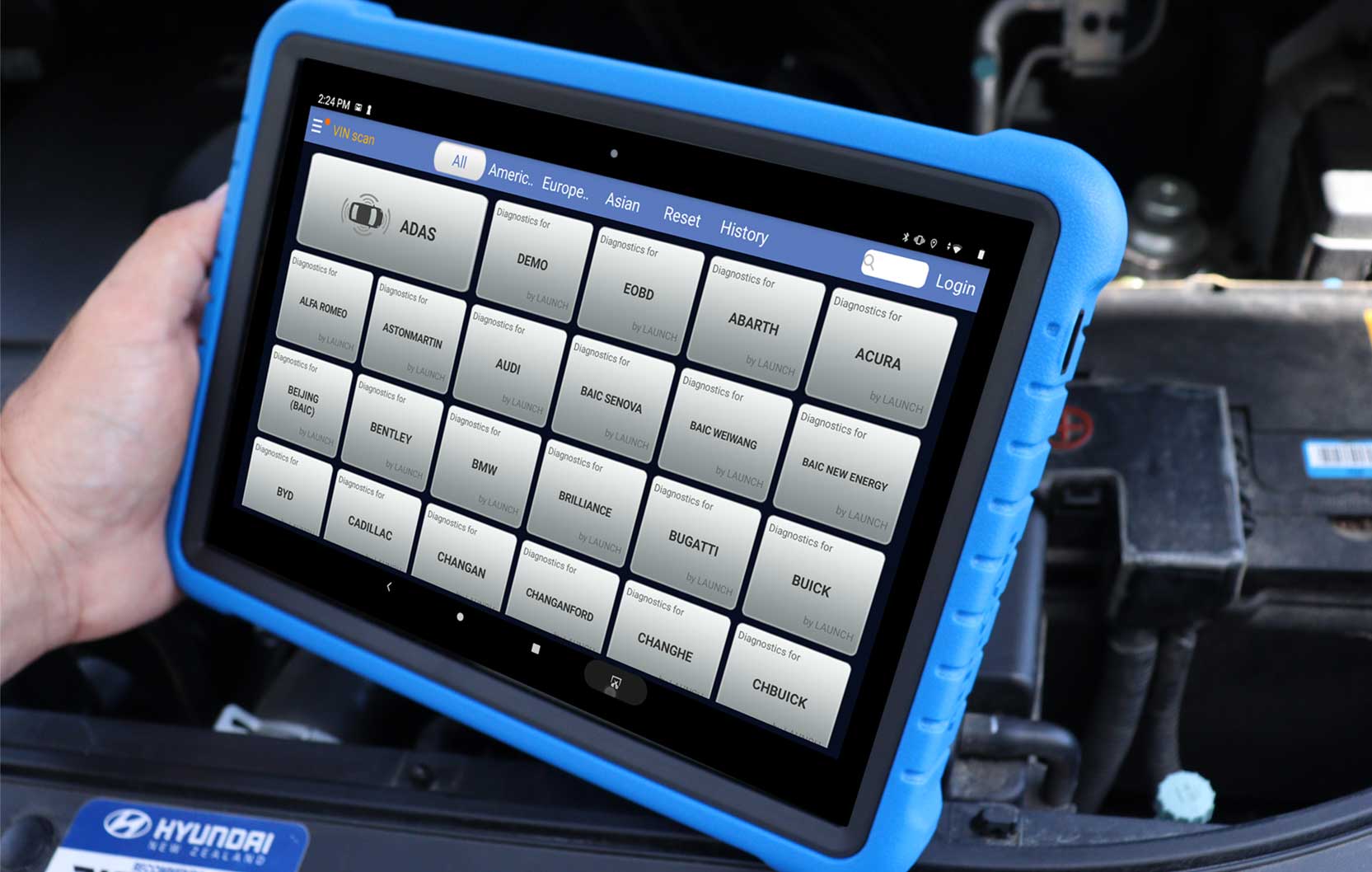
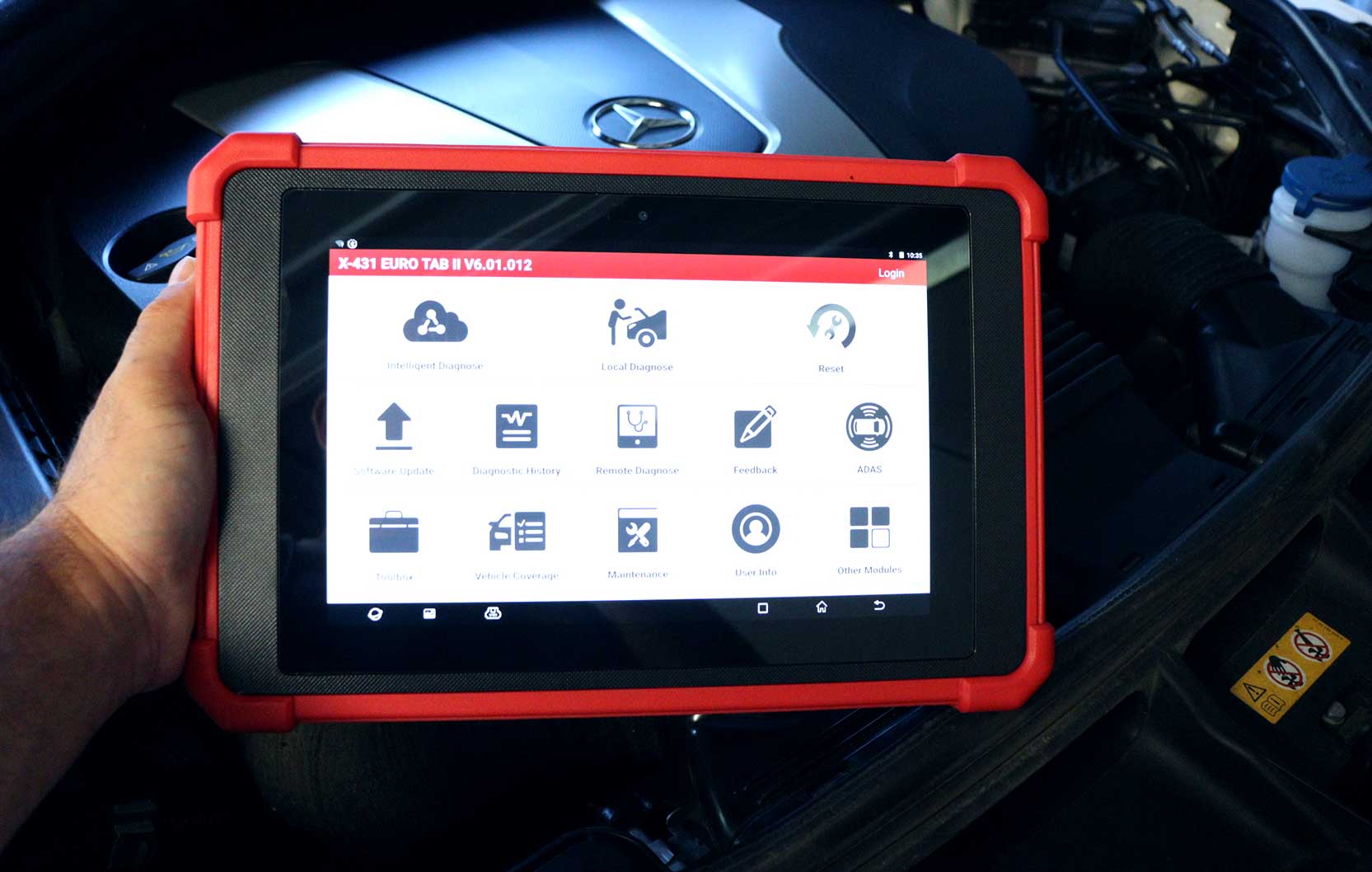
    This seminar will provide you with an in depth explaination of how a scan tool works, and how you can get as much information
    as possible out of the scan tool.

    You will come away from this seminar with a thourough foundation of scan tool technology.

    Please refer to the flow diagram for a proposed study path.


    • The building up of communication between Scan tool and ECU.
      - How the ECU and Scantool go about starting their communication, and what
      can go wrong. What will you as an operator see?


    • Data flow and exchange
      - The question and answer game between the scan tool and the ECU.
      - Priorities and communication disruption.


    • Connecting
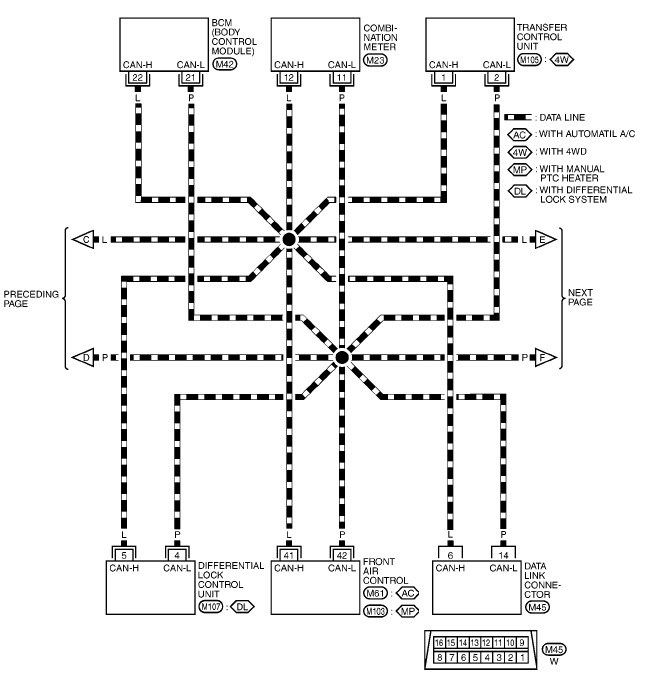
      - Varying connectors + pin assignments.
      - Variable pin assignments and the associated pitfalls.


    • Scan tool configuration comparison
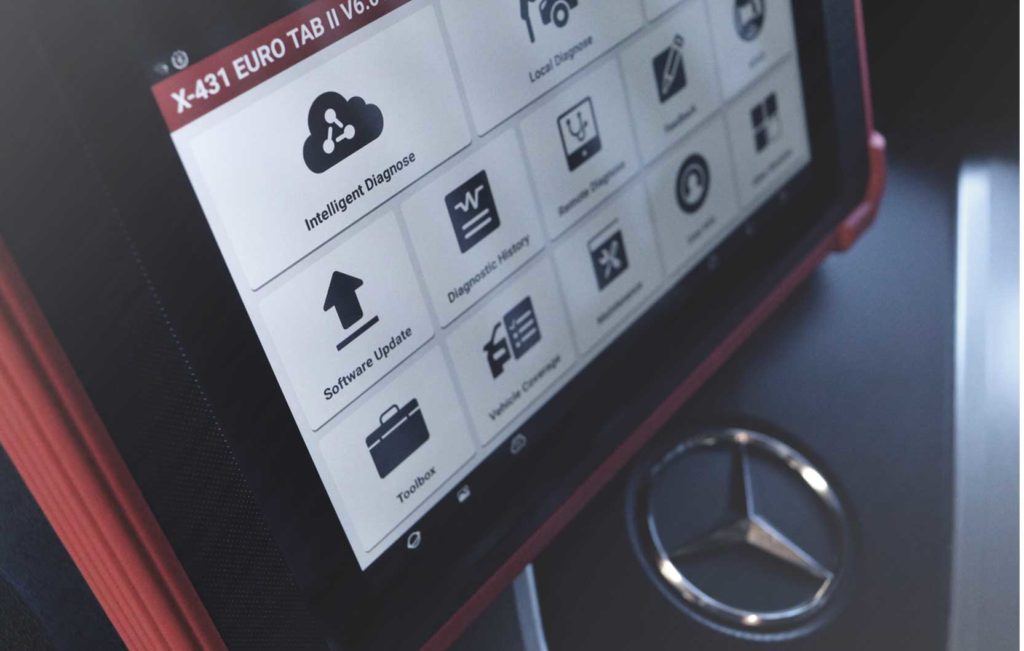
      - PC based, vs hand held, vs wireless scan tools


    • Communication differences
      - the value of (E-)OBD(2) vs OEM communication


    • Fault codes OEM vs OBD
      - When are codes displayed with OEM and when not with OBD.


    • Scan tool library
      - How to recognise that you have selected an incorrect data conversion table (e.g.
      selected the incorrect vehicle).


    • Updating
      - Updating scantool software and the function of an application list.


    • Fault codes setting procedure
      - Direct faultcode setting procedure, where the code has a direct relation to the actual
      fault.
      - Indirect fault code setting procedure, where the code is set as a result of a plausibility
      fault.
      - Adaption fault code setting procedure, and the diagnostic meaning.


    • Base idle setting procedure


    • Fuel trims
      - Long fuel trim, short fuel trim, explained in a graphical manner with values indications
      - The link between Oxygen sensor behaviour and the trim values.
      - Diagnostic indications as a result of the fuel trims (e.g. manifold leak or bad ignition
      quality).


    • Refresh rate
      - Live data update rates, and data decryption


    • Module coding
      - Why do modules need to be identified in the system and how to do it.


    • Key programming


    • OBD readiness codes
      - A brief explanation of the OBD readiness monitor


    You can use our equipment or bring your own. You will be using scan tools hands on. We will
    look at common faults and discuss real problem cases.

    Quote:
    After Nigel from Western Institute of Technology at Taranaki attended the Scan1 training seminar in New Plymouth (14-Jun-07).
    Nigel wrote as comment in the evaluation form that as most value to him was: "Cheers Herbert- learnt heaps- looking forward to the next one. "

    Looking forward being of assistance and meeting you during one of our seminars!

    Yours sincerely

    Herbert Leijen
    Phone   06 8749 077
    Fax        06 8749 078
    E-mail: hpleijen@aecs.net
    Web:     www.aecs.net
    AECS
    897 Valley Rd
    RD4 Hastings


    Enrolment Form